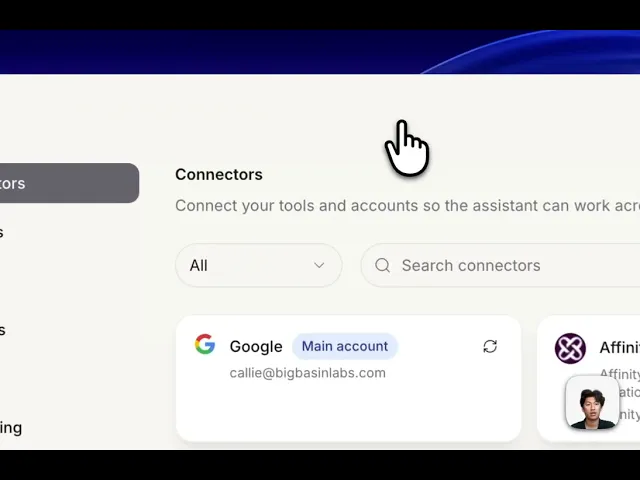
How to add Connectors
Connectors let okthx work with the tools you already use — Google, Slack, Notion, Linear, and dozens more — so it can pull in your data and take action across apps, not just inside okthx.
Steps:
Option 1
Click the purple button that says "create an event or ask a question"
Tell it what you want to connect
Option 2
Go to Settings > Connectors
Choose the conenctor you want and click "Connect"