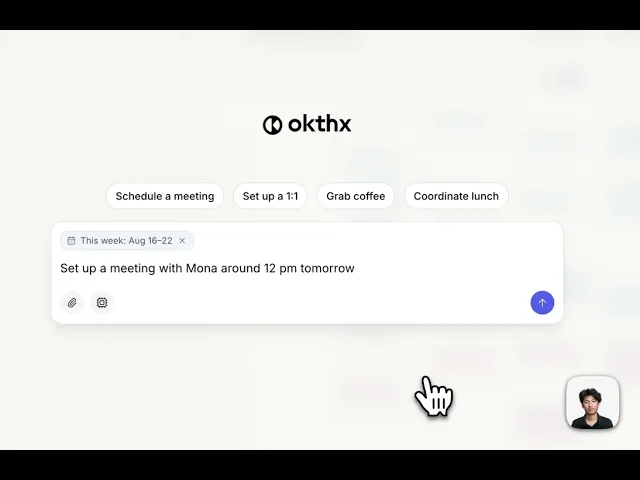
How to add an event with another person
Okthx lets you schedule meetings just by typing what you want in plain English — no forms, no back-and-forth. Tell it who you're meeting and roughly when, and it drafts the invite, checks your calendar for conflicts, adds a video call link, and gets your approval before sending it out.
Steps:
Press the purple button that says "Add an event or ask anything"
Give it the details of when, where, and who the meeting will be with
Review the draft
Approve to send